Describe the problem before choosing the solution
“The website is outdated” can mean weak visuals, difficult editing, slow pages or missing integrations. These need different scopes of work. Collect specific examples: the page, the visitor’s action and what goes wrong.
A form that fails on a phone does not automatically justify a rebuild. Conversely, changing colours will not solve a system that cannot support the catalogue or workflow your business needs.

When a focused improvement is enough
The foundation works, content is editable, URLs and integrations are understood, and the problems are local. You may only need better navigation, contrast, images, a form, a service page or a particular template’s loading behaviour.
Define the outcome clearly: an iPhone user submits an enquiry, sees a truthful confirmation, the manager receives the message and tracking records it once. That is easier to verify than “make it modern”.
When redesign is appropriate
The structure and functions still fit, but presentation makes the offer hard to understand. A redesign can improve visual consistency, content order, mobile states and readability. The page’s task should guide the design, not just a competitor’s appearance.
Before work starts, identify which URLs, functions and data must remain. Even a visual update can affect navigation, forms and heading structure, so it needs verification after implementation.
When rebuilding may be justified
- The current foundation cannot reliably support required workflows.
- Maintenance depends on unavailable code or poorly understood integrations.
- Content management does not fit the team’s routine tasks.
- Accumulated workarounds make further changes disproportionately difficult.
The age of a CMS alone is not enough evidence. Ask for concrete limitations and a comparison of ways to address them.
Compare proposals against the same task
Request a minimum useful improvement and a fuller solution for one business goal. Each proposal should state the work, outcome, limitations, client-supplied materials and launch checks. Include content migration, translations, URL handling and ongoing support.
The website cost guide explains how to compare scope. A low price without deliverables is not a meaningful comparison.
Preserve what already works
Take a backup, record important URLs and save baseline measurements. After changes, check enquiries, mobile navigation, SEO fields and language versions. If addresses change, prepare a migration plan.
Work can be phased: remove barriers to enquiries first, then improve less critical sections. A smaller, verifiable release makes it easier to identify the cause if something breaks.
Explore our services: Website creation, pricing or discuss your project.
Related articles
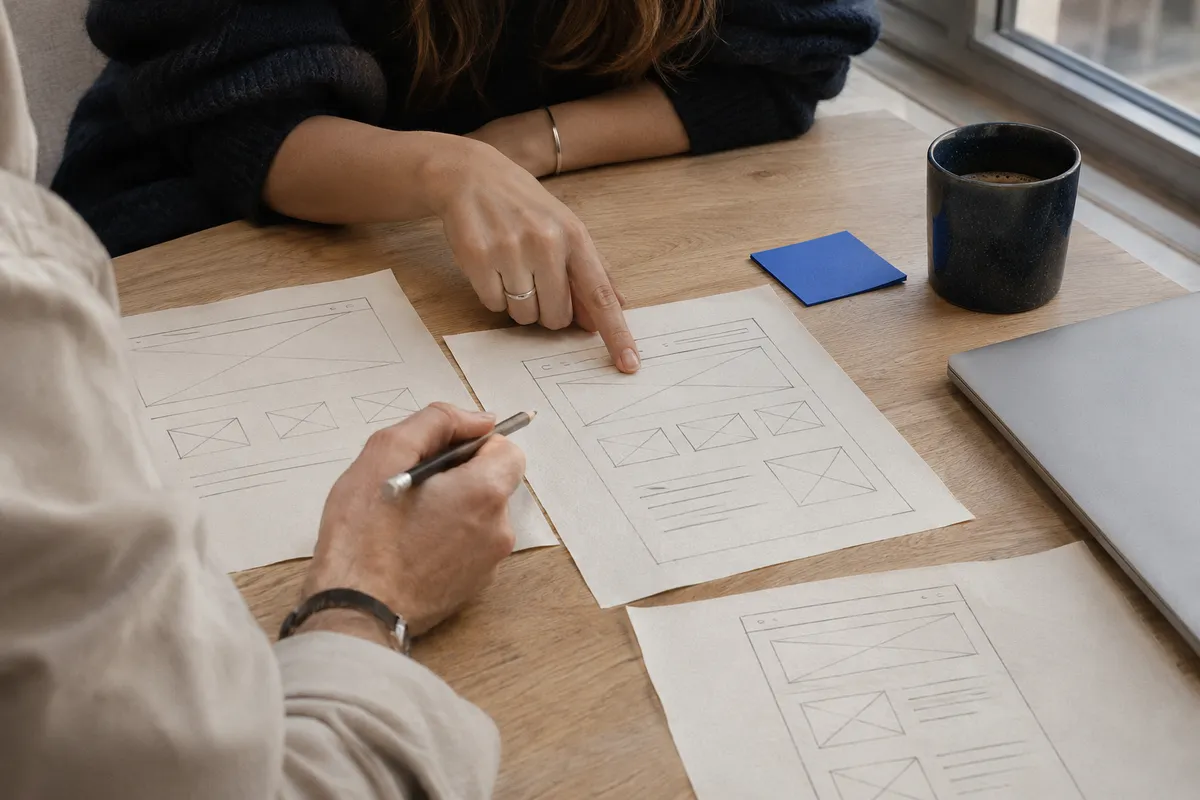
Website Brief: What to Agree on Before Design
Agree the scope and acceptance criteria before design so the owner and developer expect the same result.
Read the article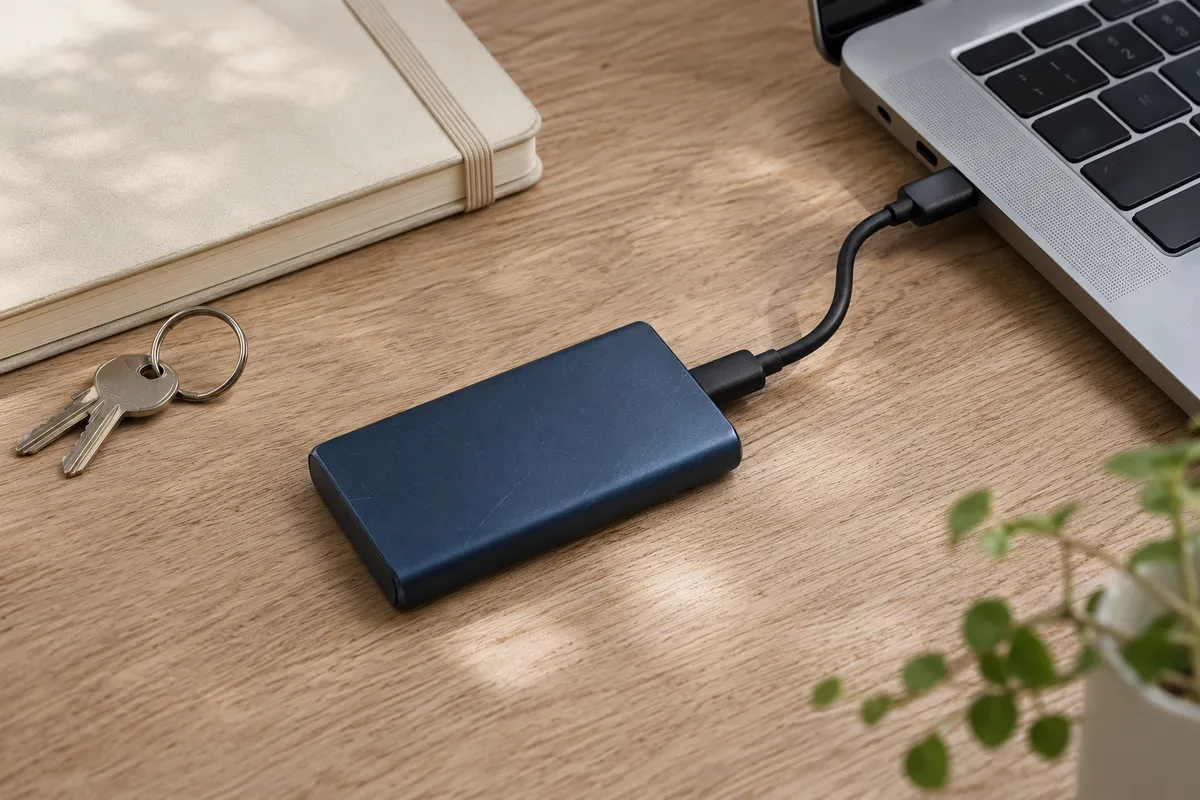
WordPress Backups: What to Save and How to Restore
Know what to back up, where to keep it and how to test WordPress recovery before an outage.
Read the article