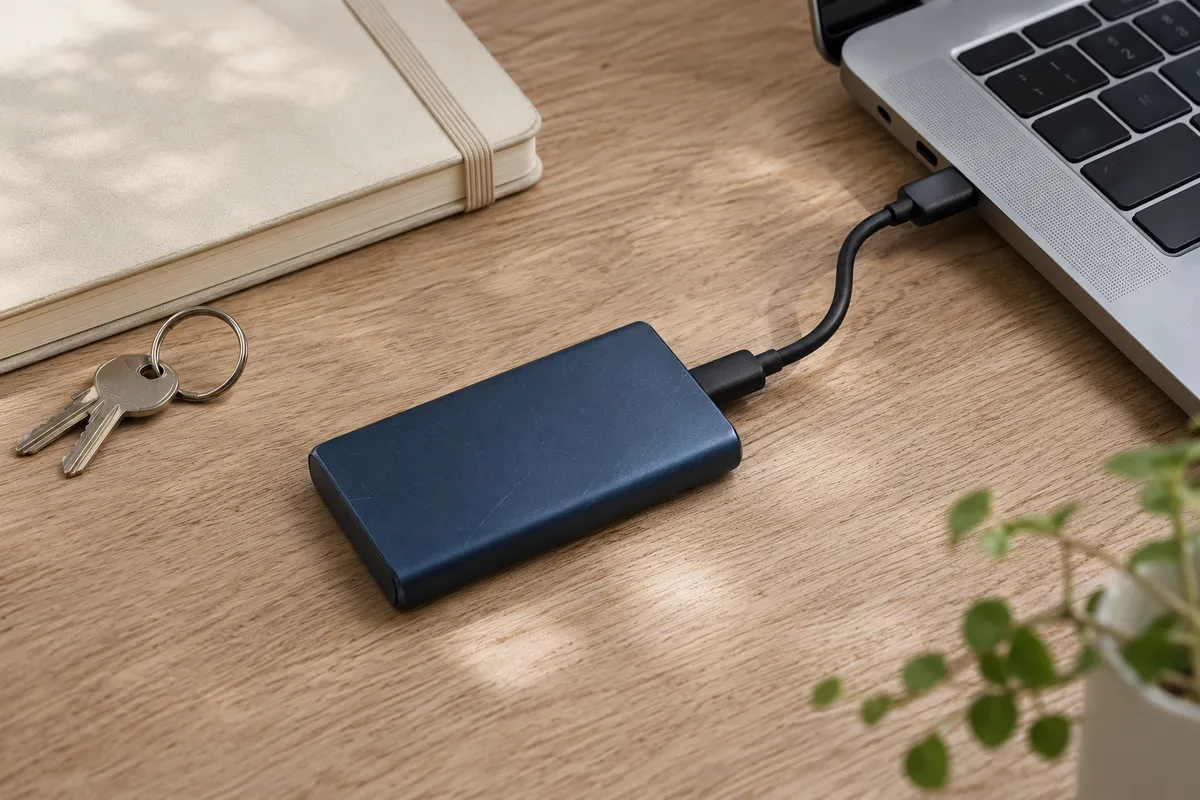
A backup exists to make recovery possible
An archive alone does not prove the website can be restored. You need to know what it contains, where it is stored, who can access it and how recovery avoids losing newer data. Restoration testing is part of the process.
Keep a current backup before WordPress, theme or plugin updates. Regular backups are also needed between releases: editing mistakes and integration failures do not follow an update schedule.

Know what a WordPress backup contains
The database: posts, pages, many settings, translation relationships and extension data.
Files: themes, plugins, uploads and required configuration.
A theme ZIP does not contain all website articles and settings. A database without uploads and the required code may also be insufficient. Document external services and credentials separately with appropriate access protection.
Match the schedule to data changes
A site edited weekly and a shop receiving daily orders need different intervals. Decide how much recent data the business can afford to lose and how long recovery may take. Use those requirements to set backup frequency and retention.
Do not depend entirely on a copy stored on the same server. A server or account incident could make that copy unavailable too. Check independent storage and access permissions.
Run a recovery exercise
- Prepare an isolated test environment.
- Restore the matching database and files.
- Check administration, pages, images and translations.
- Test key functions without sending real customer notifications.
- Record the time, failures and missing access details.
Protect the test copy from indexing and accidental payments. A working homepage alone is not a complete restoration test.
Handle a failed update deliberately
Establish whether the operation is still running, what error occurred and which component was changing. Do not start several overlapping updates on top of a stalled process. If administration is unavailable, hosting file access or support may be necessary.
Before rolling back, assess newer data. Restoring an old database can erase orders and enquiries received after the backup. Sometimes only code needs to be restored; the correct approach depends on the cause and compatibility.
Leave the owner a practical recovery guide
Record backup locations, dates, retention, responsibility and the restoration procedure. Check access periodically and repeat the exercise. For a website migration, the backup and rollback plan should be ready before the domain switches.
Explore our services: Website creation, pricing or discuss your project.
Related articles
Moving a Website to WordPress: Content, URLs and Checks
Plan a WordPress migration around URLs, content, measurement and a working enquiry process.
Read the article
Website Brief: What to Agree on Before Design
Agree the scope and acceptance criteria before design so the owner and developer expect the same result.
Read the article