
Define what the visitor should accomplish
A business website should make a useful action possible: book an appointment, request a quote, buy a product or understand your terms. Choose one main goal and a few supporting tasks before discussing visual details.
A repair business may need service descriptions, a service area, pricing guidance and a booking request. An online shop also needs stock information, product options, payment and delivery. Similar page counts do not imply similar development effort.

Prepare content before design
Gather service information, prices, limitations and the steps involved in working with you. Identify which photographs, examples and answers are ready and which the provider must create. Check image usage rights. Invented testimonials or certificates do not provide credible evidence of quality.
Your website brief should list pages, languages, integrations and editing requirements. Replace “easy admin area” with specific tasks: the owner can update prices, images, service cards and FAQs without editing code.
Agree four checkpoints
- Structure: each page has a purpose and visitors can find the relevant service.
- Prototype: content, section order and the enquiry journey are clear.
- Design: mobile states, readability, forms and long headings have been considered.
- Development: the agreed flows work with realistic data, including errors.
Approve the outcome of each stage before moving to the next. Changing the page structure after implementation usually means more rework than changing an early outline.
Test as a customer would
Use both iPhone and Android where possible. Check navigation, forms, links and language switching. Submit a valid enquiry, try leaving a required field empty and test a repeated click. A success message must reflect an enquiry that has actually been saved or delivered, according to the agreed workflow.
If this website replaces an existing one, prepare redirects from old URLs. On the live domain, verify HTTPS, canonical URLs, the sitemap and indexing permissions for public pages. Protect the staging copy from search visibility.
Check the handover
- You control the domain, hosting and essential accounts.
- You have content editing access and a short guide.
- Licences, subscriptions and renewal costs are documented.
- There is a backup and a tested restoration procedure.
- Bug fixes and ongoing support have clear terms.
Before accepting the project, change a price and replace an image yourself on a test page. This is a practical check that the editing experience works for everyday use. See our website development service and pricing for scope and starting budgets.
Explore our services: Website creation, pricing or discuss your project.
Related articles
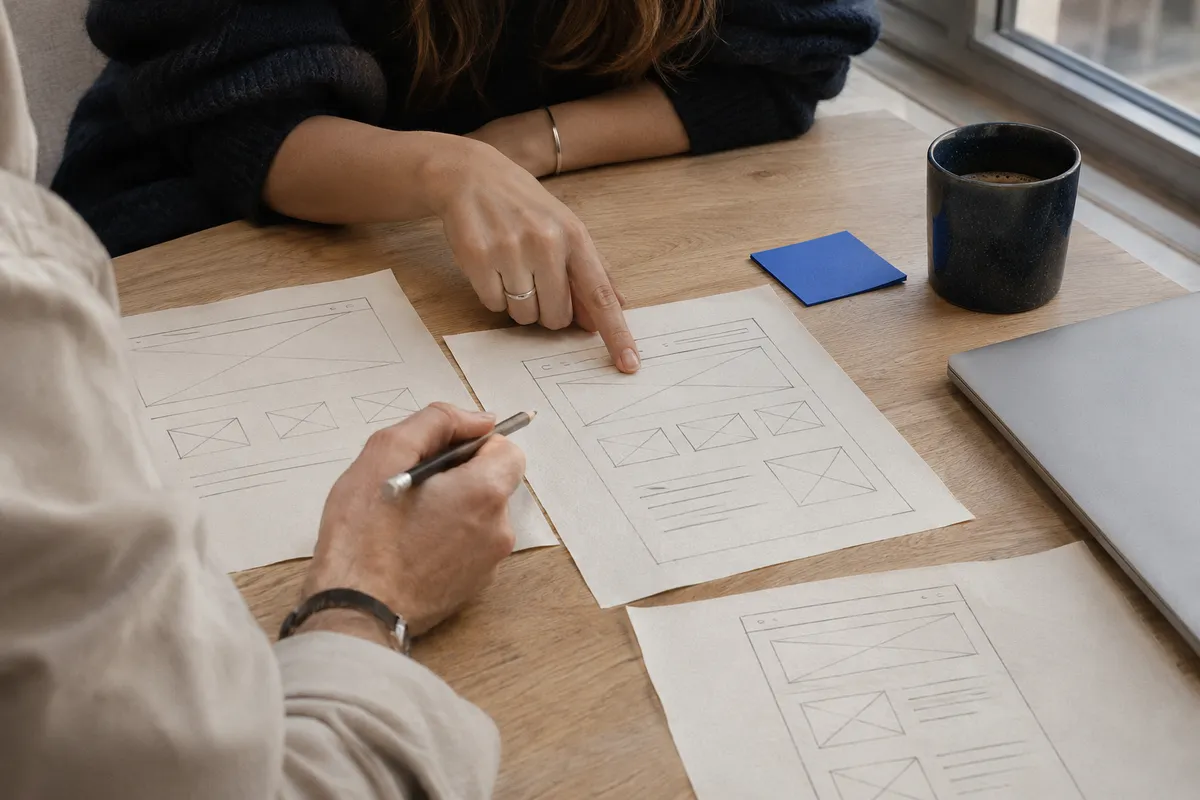
Website Brief: What to Agree on Before Design
Agree the scope and acceptance criteria before design so the owner and developer expect the same result.
Read the article
Telegram Bot for Lead Capture: From Chat to Handoff
Design a short conversation that collects useful details and hands the enquiry to the right person.
Read the article