Decide what the image should explain
A product photograph shows shape, material and scale. A premises photograph helps someone understand the location. A diagram explains relationships, while a screenshot can show a real interface action. An abstract image containing the letters SEO rarely clarifies a technical instruction.
Choose the image for the article’s task. Illustrations are useful when clearly treated as illustrations, not presented as actual client results, staff photographs or genuine performance reports.

Size the asset for its real placement
Consider the displayed width and high-density screens. A small card does not need a multi-megabyte original. Responsive srcset and sizes attributes let the browser choose an appropriate resource.
Provide width and height or a stable aspect ratio so the layout reserves space before loading. This helps avoid moving text and buttons.
Judge compression visually
WebP and AVIF can often reduce photographic file sizes at acceptable quality. SVG suits simple, precise diagrams and icons. Format alone does not guarantee a small file; dimensions, settings and content matter.
Compare the result at its intended size. Product texture and diagram labels must remain useful. A tiny but unreadable asset defeats the purpose.
Write alt text for the context
Describe the information the reader needs from the image. For a product, that might be the view, colour and orientation. For a diagram, state its relevant process if nearby text does not already do so. Avoid keyword lists and unnecessary repetition of a long article title.
A purely decorative image generally needs empty alt text. For an image used as a link or control, its accessible name should explain the action. Complex diagrams also benefit from a nearby written explanation.
Load according to placement
Below-the-fold images can usually use lazy loading. Do not automatically delay the principal first-screen image, which may be the LCP element. Verify behaviour in PageSpeed and on an actual device.
A single static illustration should not require a heavy library. A few relevant, optimised images are often more helpful than a large decorative slider.
Perform a final editorial check
- The image supports the surrounding explanation.
- Usage rights are understood and screenshot personal data is protected.
- Important details remain visible on mobile.
- The file URL works, alt text is meaningful and dimensions are set.
- Compression preserves labels and useful detail.
For shop imagery, see the product page guide.
Related articles

Site Speed and Core Web Vitals: What to Fix First
A real PageSpeed report from 17 October 2026: understand the metrics, investigate specific findings and verify changes.
Read the article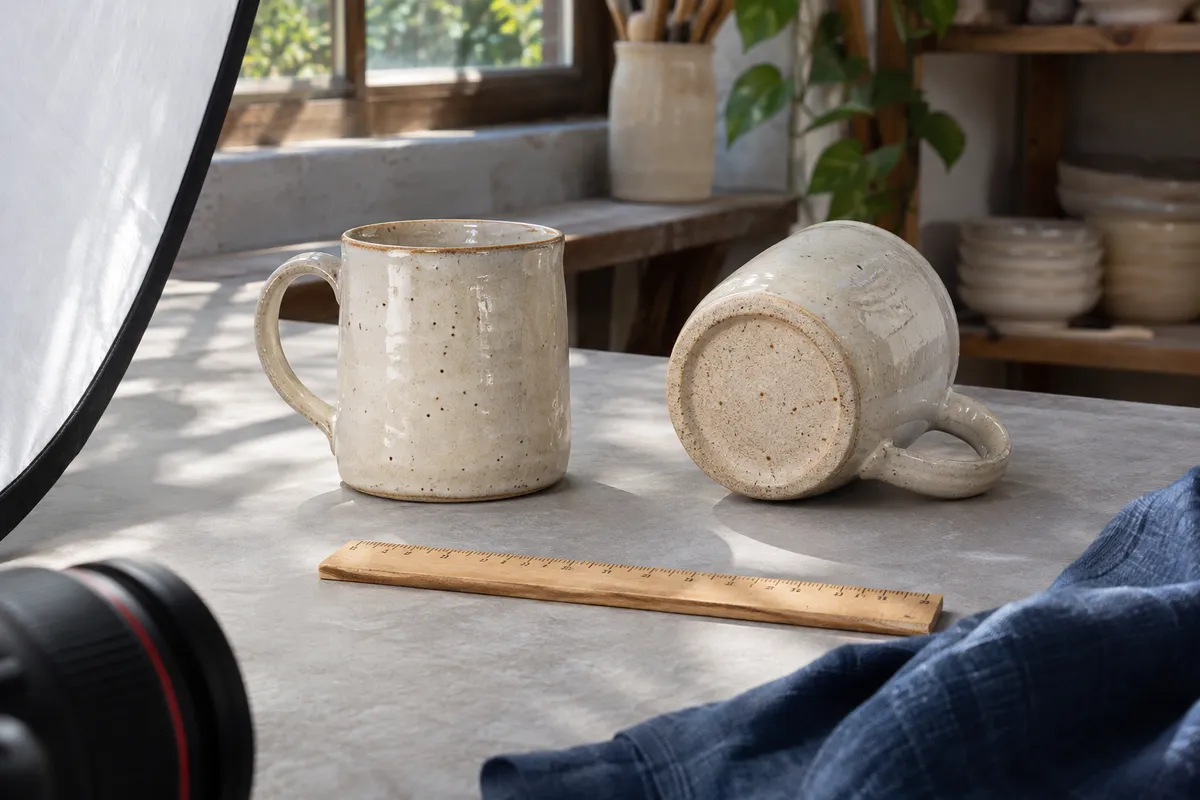
Product Page SEO: What to Check
Build product pages around specifications, scale, variants, availability and purchase terms.
Read the article